
Seedance 2
Seedance 2
Generate videos from text, images, and multimodal references.
Turn photos into videos with kling 4.0 ai—upload an image and describe the motion.
AI Models
Explore more video and image models for your creative projects.
Generate videos from text, images, and multimodal references.
Turn text and images into videos.

Generate and edit images for standalone projects or video references.
Core Features
Turn a photo into a video with the video generator, then explore reference-based creation and video editing.
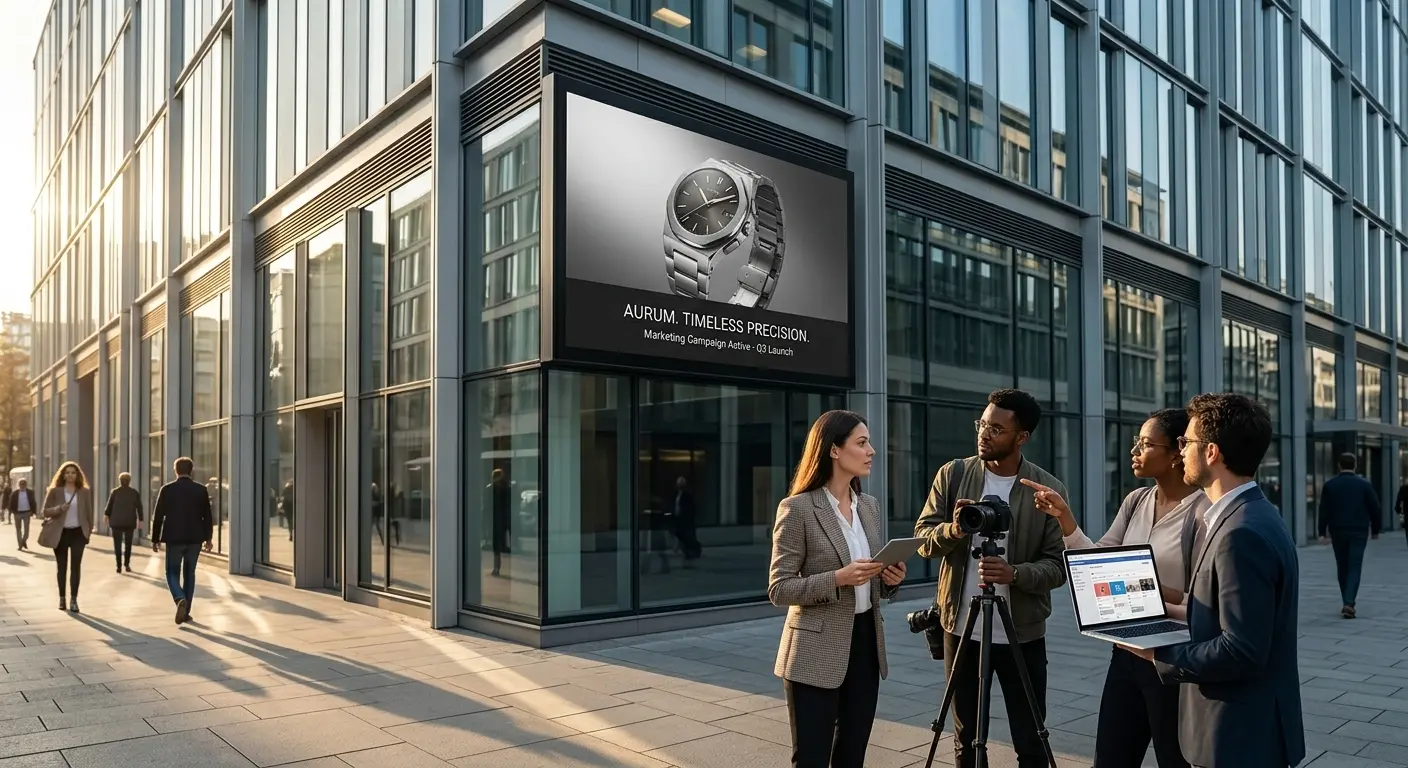
Upload an image and bring it to life with kling 4.0 ai. Describe the subject’s movement, camera motion, and atmosphere to shape your video.
Two women in a choreographed fight inside a tiled restroom, with dynamic camera movement, cool overhead lighting, and reflections on the wet floor.Animate Your Image

Start with an image reference for kling 4.0 ai, or explore models that support video and audio references to guide your scene’s style, action, and mood.
Style reference: a Japanese ink-wash painting. Animate a warrior leaping across snow-dusted rooftops as a fan dances behind him.Create with References
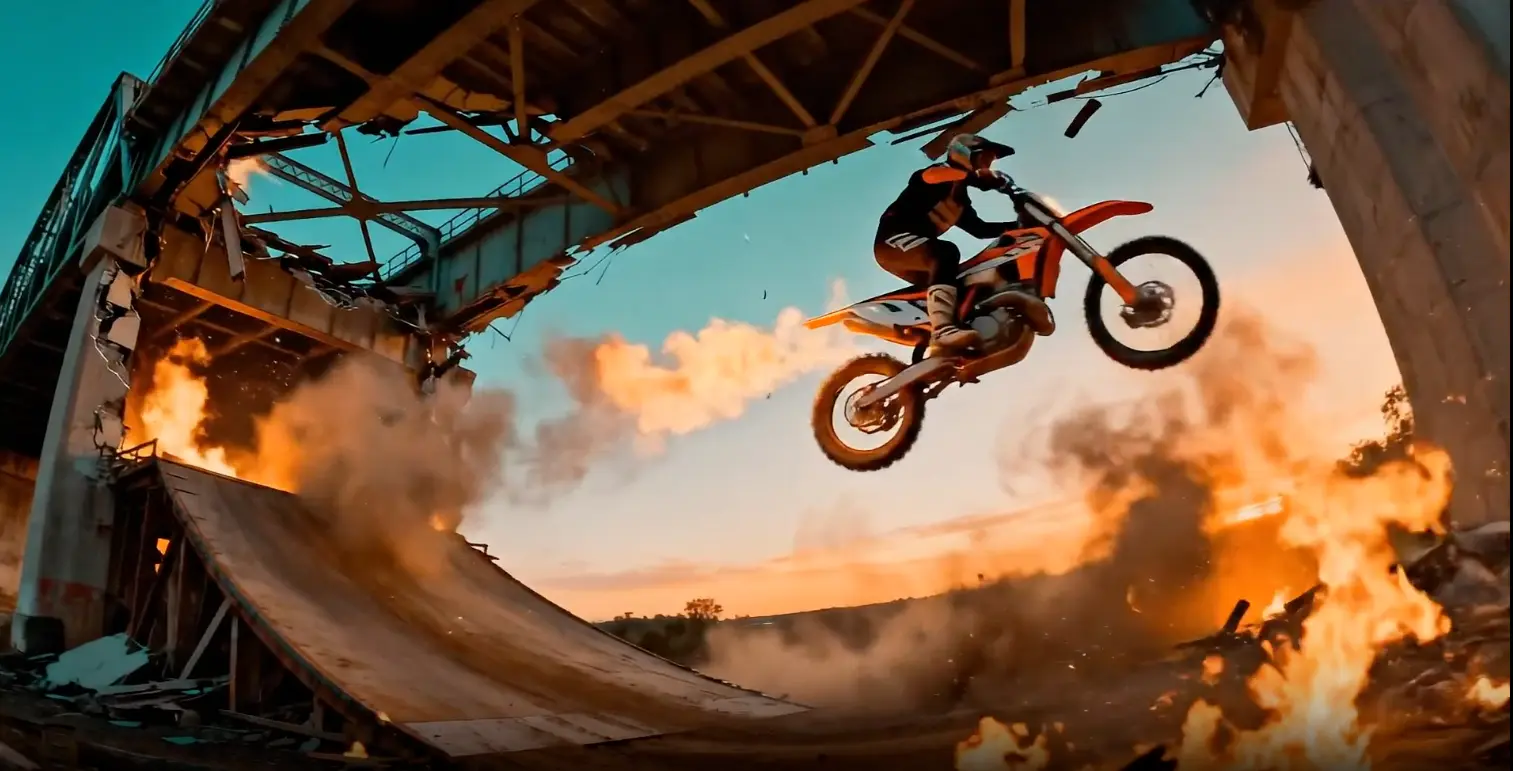
Upload a video and use kling 4.0 ai to change the scene or continue the action with a text prompt.
Source clip: a rider approaching a bridge. Extend it as the bridge collapses in fire and smoke behind him.Edit Your Video
Model Capabilities
Explore kling 4.0 ai for longer videos, multimodal references, and prompt-based editing.

Create longer videos with kling 4.0 ai, giving product demos, action scenes, and visual stories more time to unfold. Choose from the durations available in the generator.
Try kling 4.0 ai
Guide appearance with images, motion with video, and sound with audio. Describe how each reference should shape your kling 4.0 ai video.
Create with References
Upload a video and describe changes to the setting, lighting, or style. Use kling 4.0 ai to explore a new version of your scene.
Edit Your VideoApplication Scenarios
Turn your images into scene previews, product videos, and social content with the video generator.
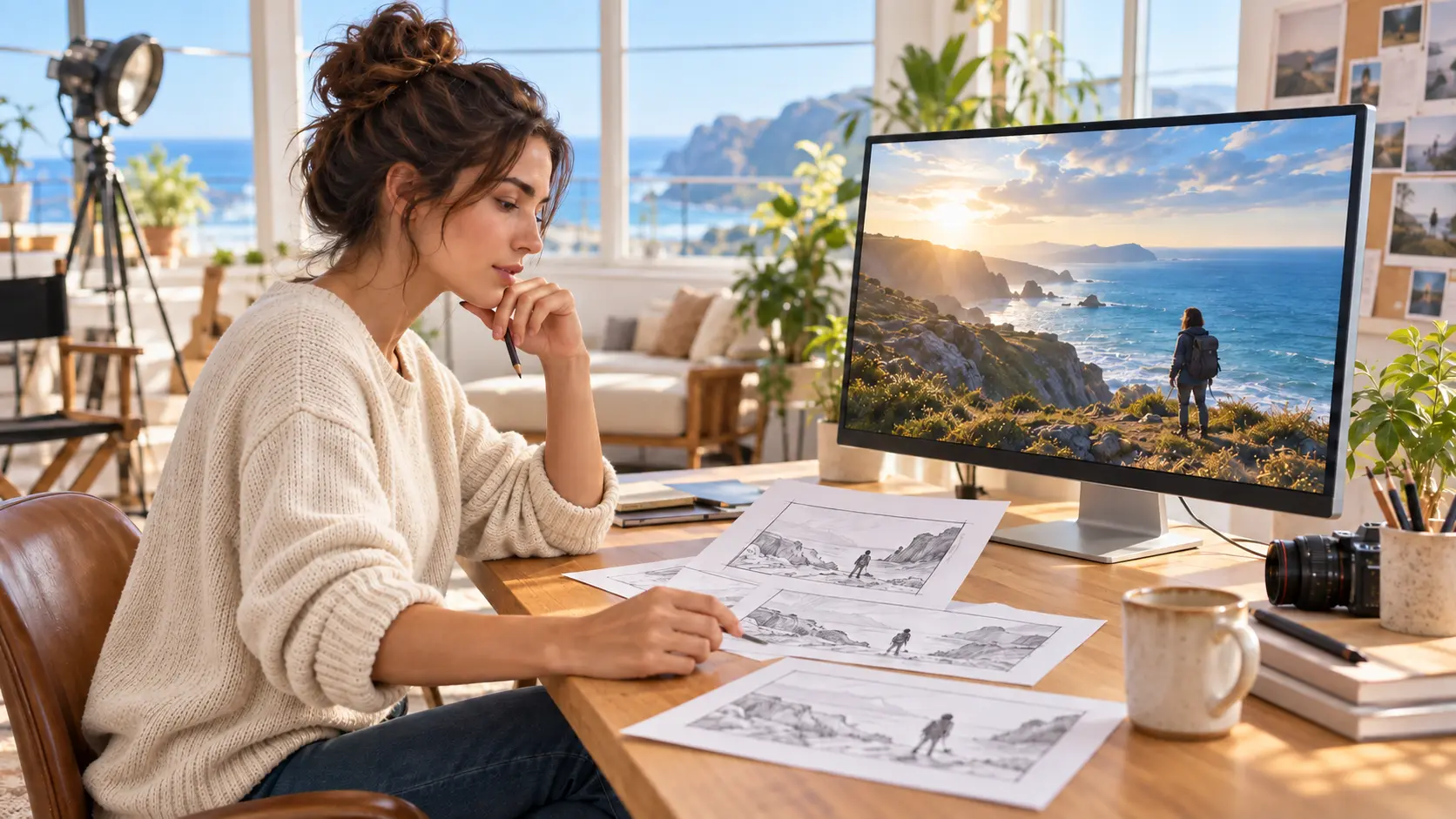
Animate storyboard frames with kling 4.0 ai to explore character movement, camera angles, and atmosphere before your shoot.
Animate Your Storyboard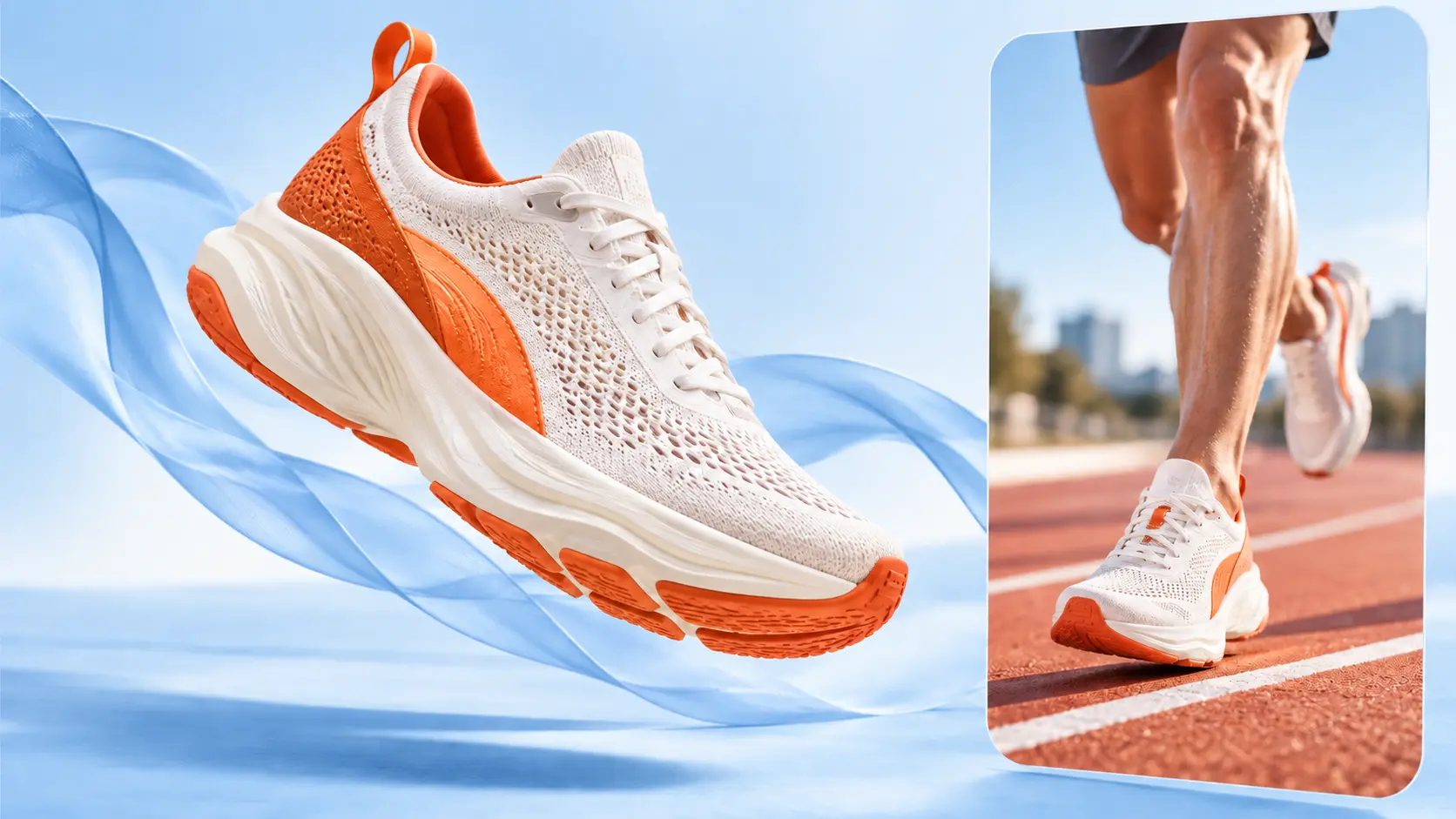
Use our AI image to video generator with kling 4.0 ai to animate product photos and explore ideas for ads, launches, and demos.
Animate Your Product
Bring portraits, artwork, and everyday photos to life with kling 4.0 ai. Explore motion and visual styles for your next social post.
Create Your VideoTestimonials
See how filmmakers, marketers, and designers use Kling 4.0 and Kling 4.0 Flash to unlock 30-second cinematic scenes, multi-keyframe plot control, and natural lip-sync workflows.
Carlos Méndez
Social Media Creator
"Kling 4.0 Flash is a game-changer for short-form video. I no longer need separate tools to align dialogue—the characters speak with natural lip-sync, and generating clips in seconds lets me test multiple hooks every day."
Michael Torres
Freelance Designer
"Kling 4.0 deep prompt comprehension and stylistic range blew me away. Whether I need tactile stop-motion clay, wool felt textures, or high-end cinematic realism, it translates nuanced art direction into motion flawlessly."
Sofia Rossi
Marketing Agency Owner
"Kling 4.0 creative replica lets our agency analyze winning commercial camera movement and recreate high-converting product videos instantly. Plus, rendered brand logos and package typography remain crystal-clear without distortion."
Kenji Nakamura
Game Developer
"For our indie game cutscenes, Kling 4.0 multimodal reference input is incredible. Combining character, weapon, and environment assets in one prompt keeps identities consistent across dynamic orbit and high-speed action shots."
Alex Rodriguez
Independent Filmmaker
"Previous AI video models broke down after four seconds, but Kling 4.0 generates continuous 30-second takes. With multi-keyframe control to map out dramatic beats and smooth camera tracking in 21:9, storyboarding feels like directing on a real cinema set."
Maya Patel
Digital Marketing Expert
"Precise video editing in Kling 4.0 allows us to swap product backgrounds, update seasonal lighting, and add multilingual localized voiceovers without reshooting. We scaled our global ad variations in half the time."
FAQ
Learn about kling 4.0 ai workflows, reference materials, output settings, and credits before creating your next video.
Start Creating
Upload an image and describe the motion to create your next video with kling 4.0 ai on kling4ai.
kling4ai is an independent creative platform and is not affiliated with or endorsed by Kling or its provider. Model names belong to their respective owners.