
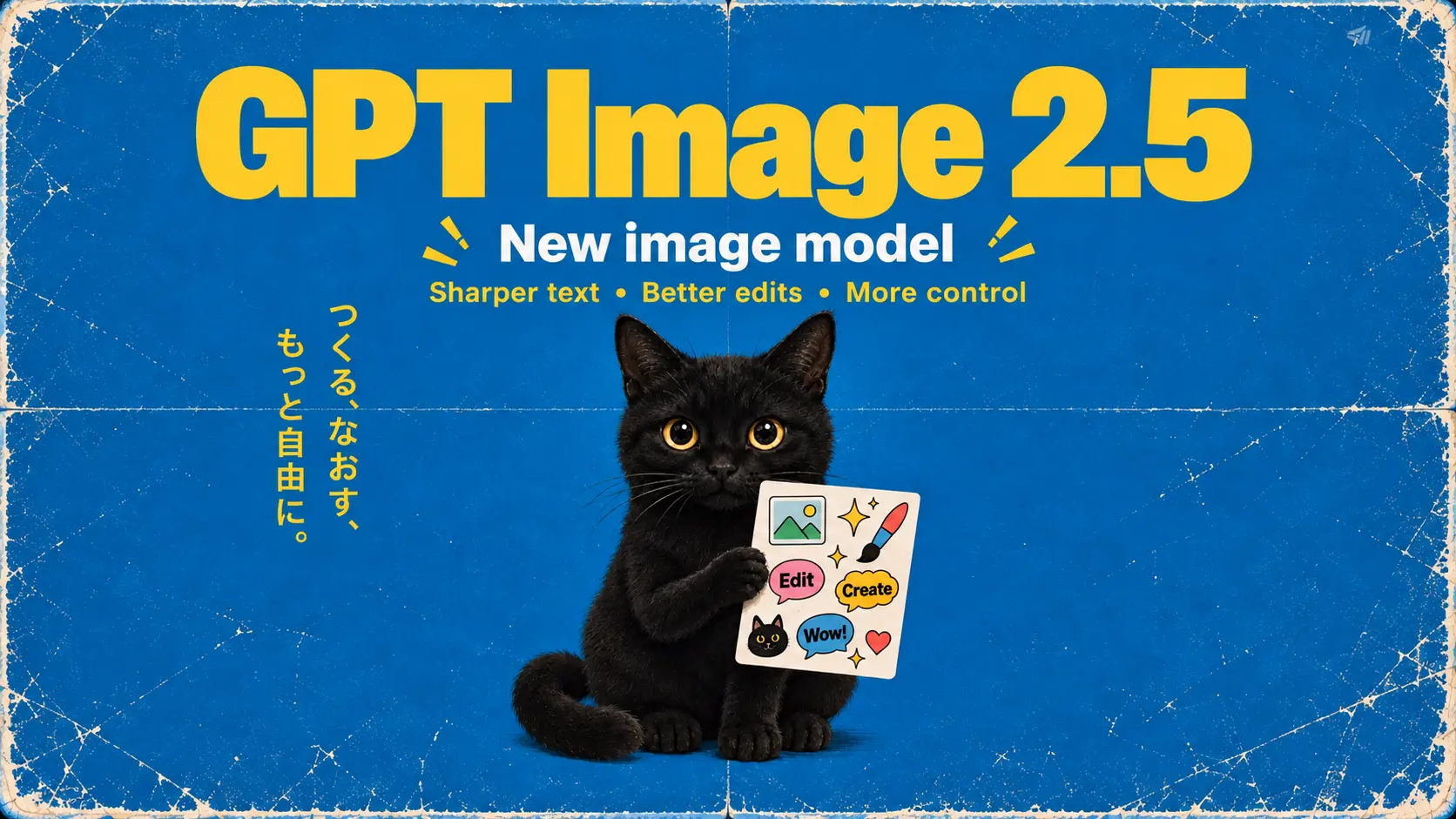
GPT Image 2.5
Create from a prompt or edit references with GPT Image 2.5: Flare for everyday exploration, or Sunburst for more detailed edits.
Page coming soonGive your product a new backdrop, imagine a character, or put a fresh spin on a familiar image. Describe your idea or upload a starting image and see where it takes you.
Explore more tools
Find a model that fits your starting image and the result you have in mind. Explore its inputs and controls before you begin.
Create from a prompt or edit references with GPT Image 2.5: Flare for everyday exploration, or Sunburst for more detailed edits.
Page coming soon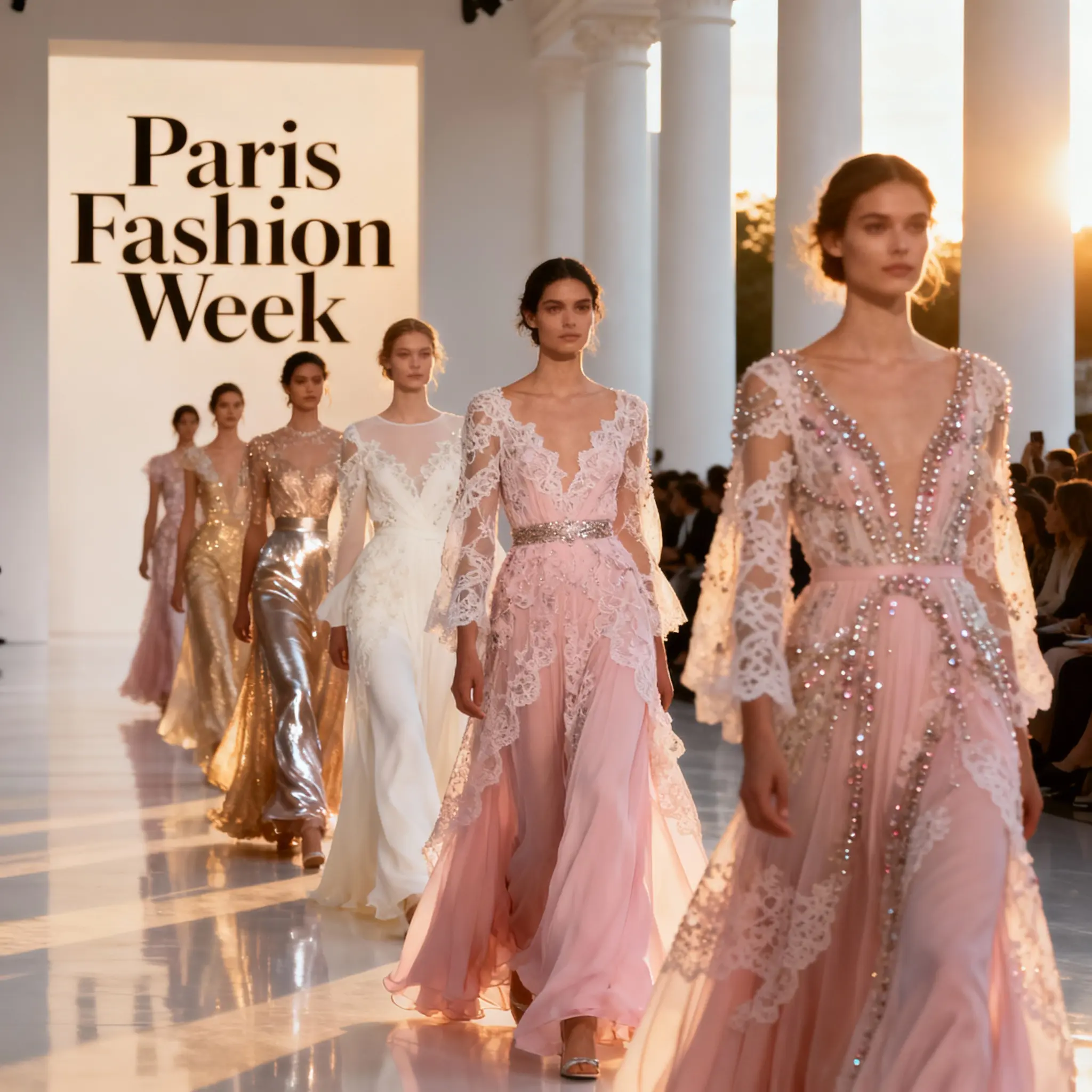
Explore a set of visual directions in one request: up to six outputs, 4K images, and support for up to 10 references.
Open Seedream 4.0 →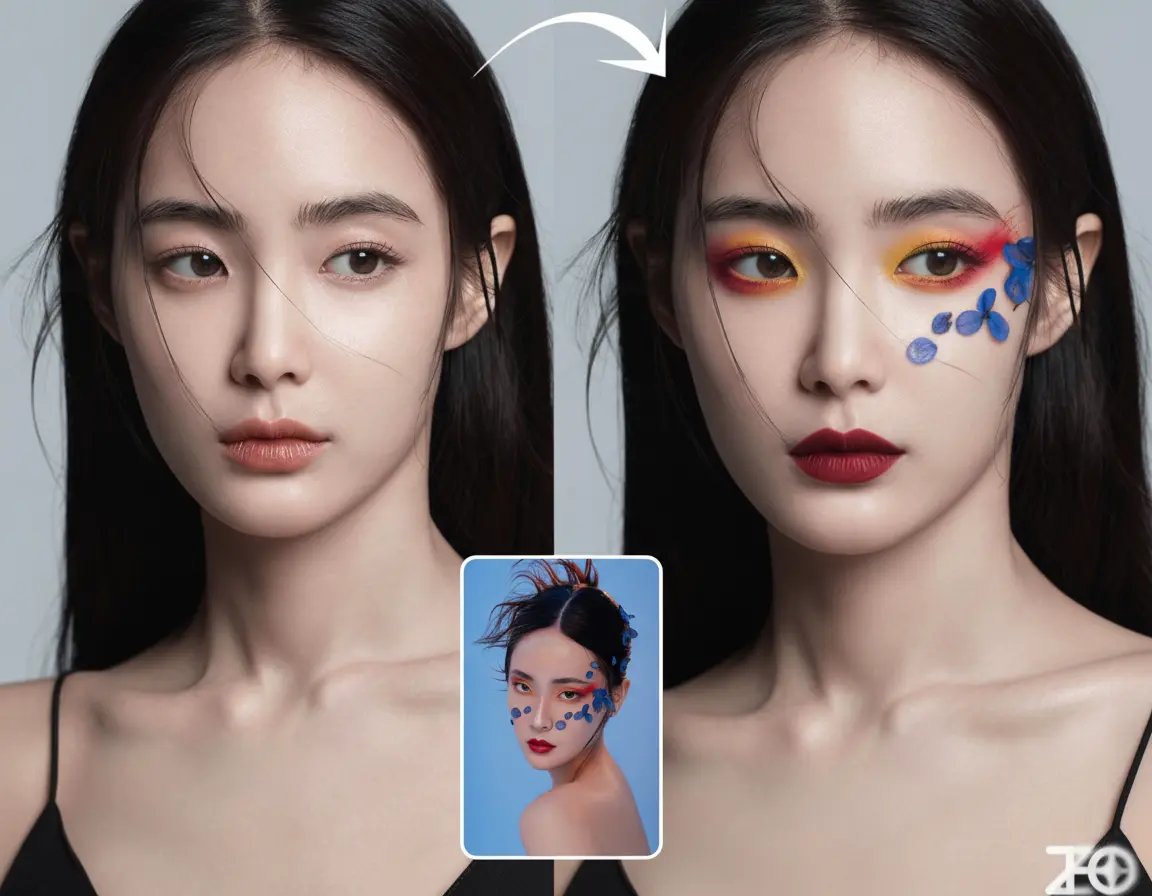
Start with a written idea or an image, then build on the result through further edits to the character and scene.
Open Nano Banana V1 →How it works
Create a first version, review the details, and choose what to refine next.
Start with text for a new composition. To work with an existing image, choose image editing and describe what to change and what to keep.
Choose a model and output options that suit your project. Check the reference limits and credit quote before you submit.
Review the lettering, faces, and product details as well as the overall image. Refine your instructions or references wherever the result needs work.
Open your preferred version and download it. You can return to completed images in your assets whenever you need them.
Why Choose SotaVideoAI
Shape your image step by step, from the first idea to the details that make it your own.
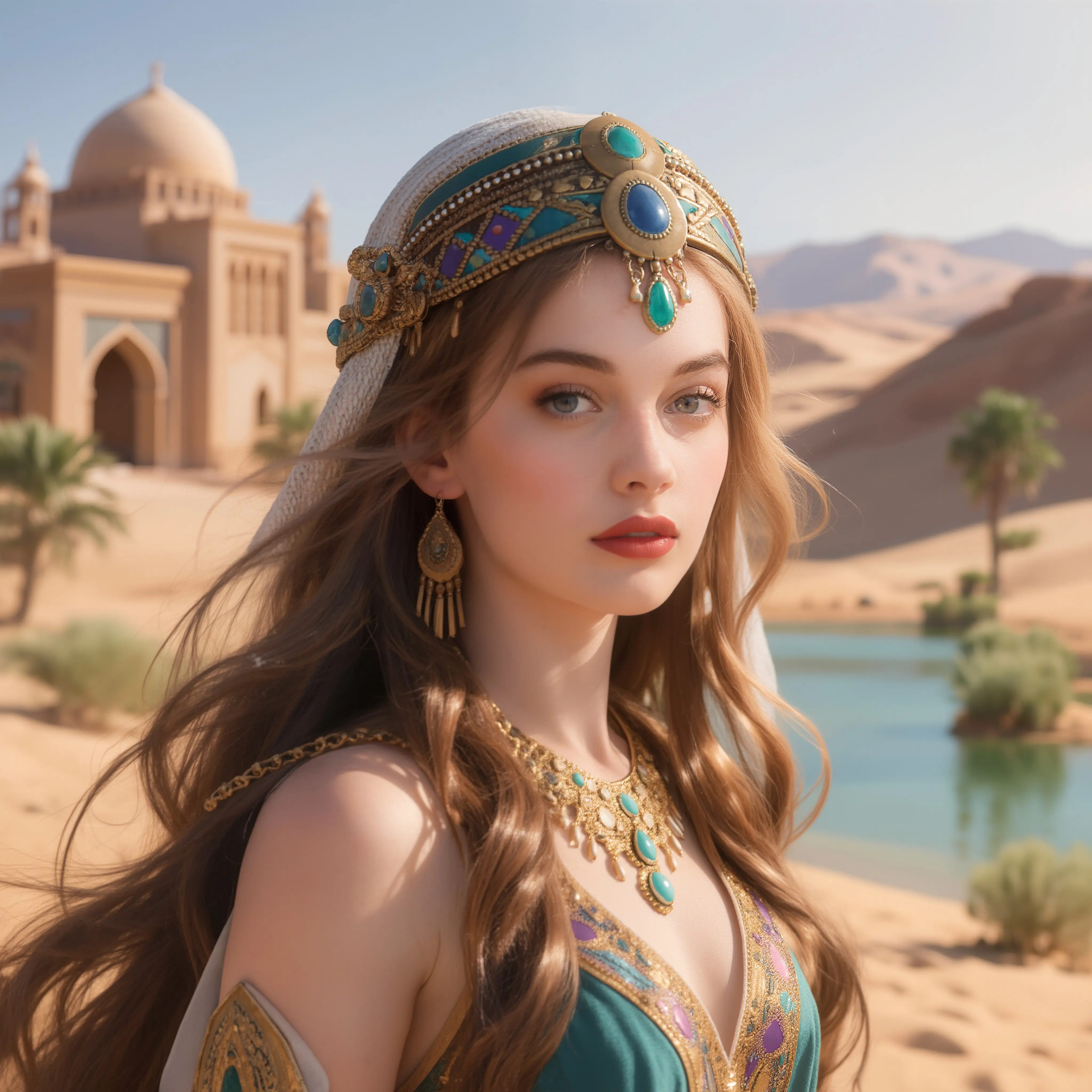
Choose an approach that suits your image. Try a model with your own brief and assess the details that matter to your project.
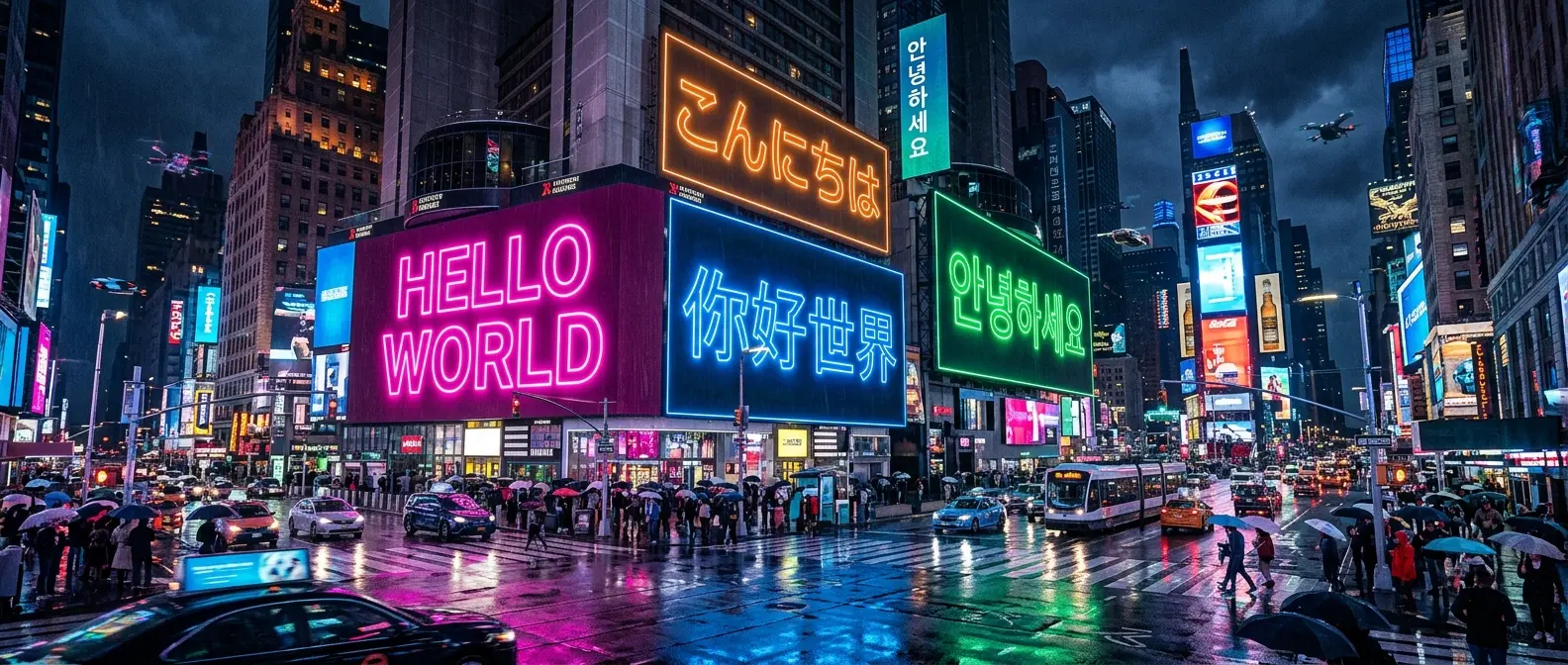
Describe a specific change, such as a new backdrop, softer light, or a different detail. Use the result as a reference for your next edit.
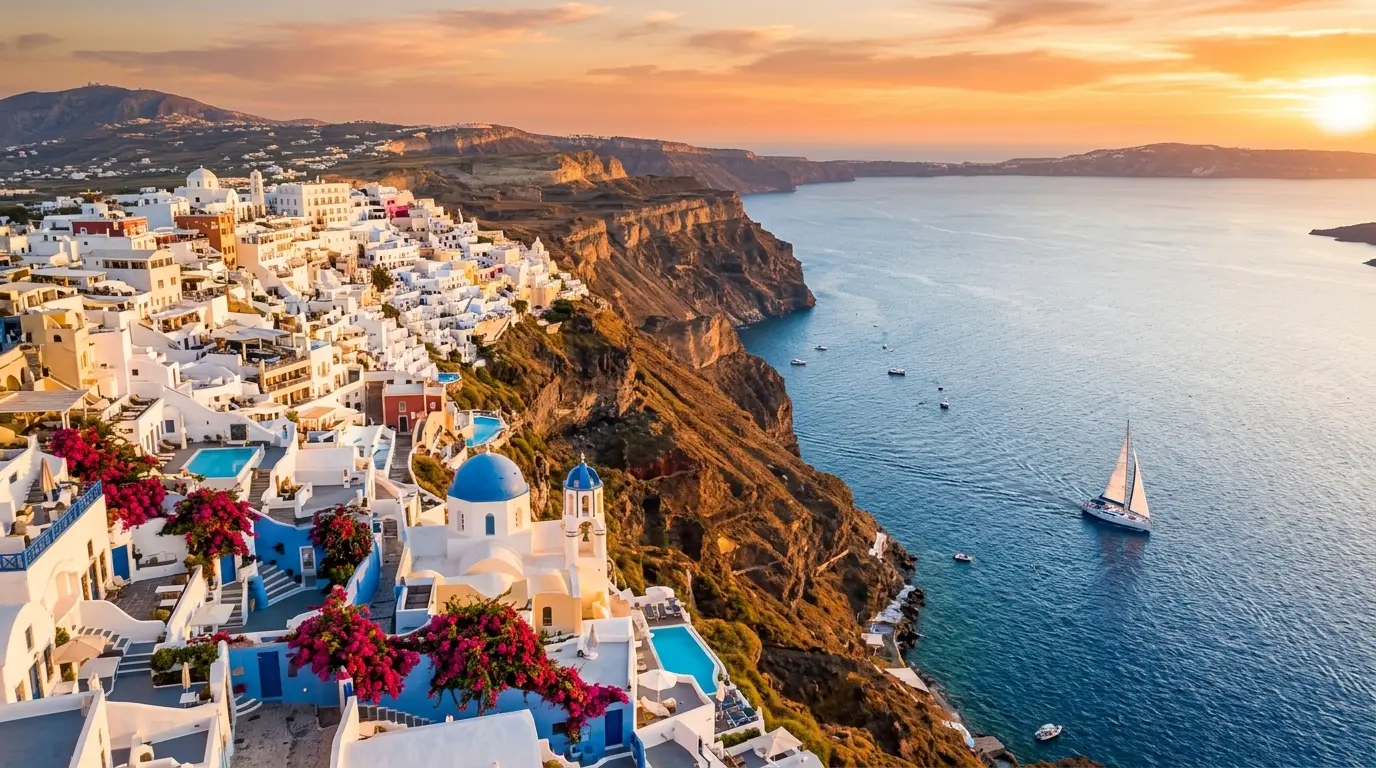
Choose framing and output options for the place the image will appear. Check your model’s limits before planning a large file or a set of references.
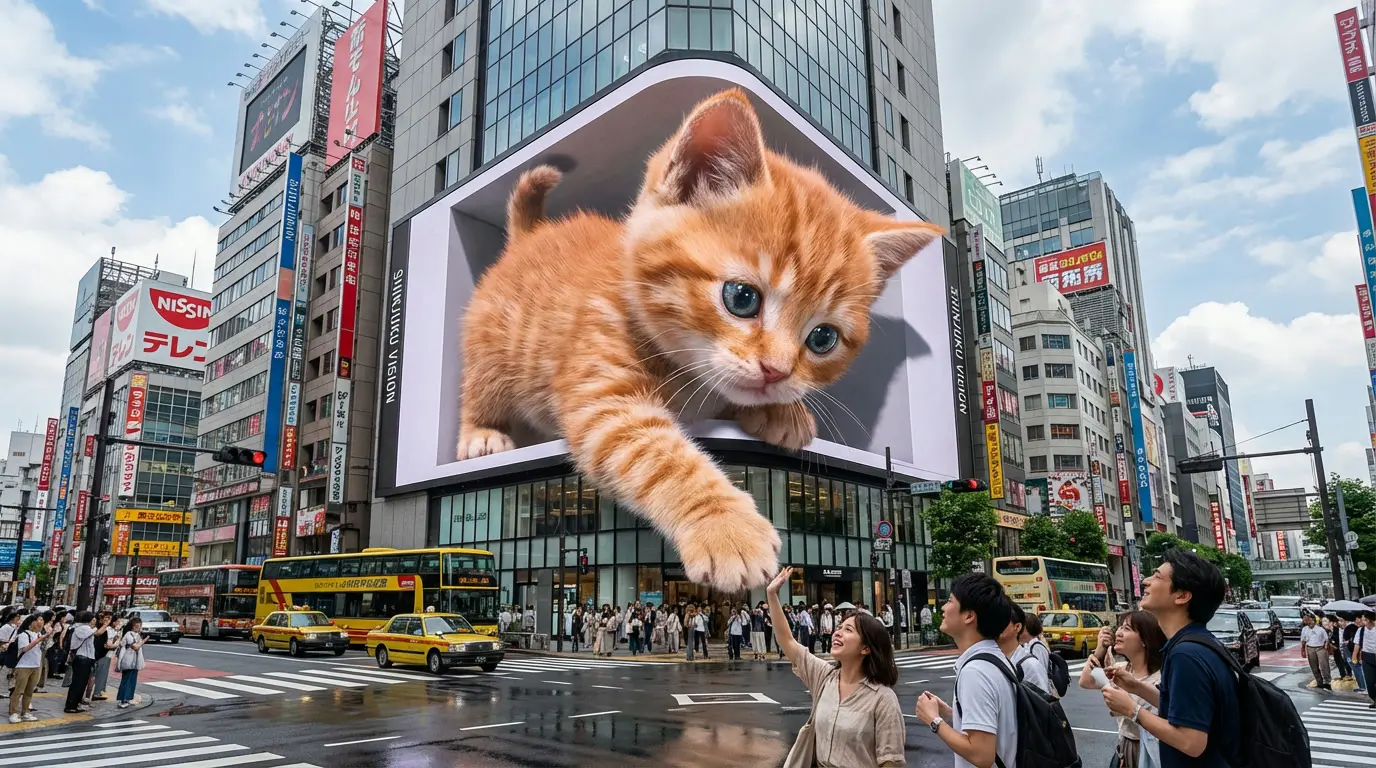
Compare recent results as you explore different directions. Preview your options, choose a version, and download it to continue your work.
Model guide
Compare the inputs and output options with what your project needs. Review text, faces, and product markings carefully in the finished image.
Create from a prompt or edit references with GPT Image 2.5: Flare for everyday exploration, or Sunburst for more detailed edits.
Page coming soonUse Flare for everyday image ideas and variations.
Choose Sunburst when your reference edits need closer attention to detail and composition.
Select Flare or Sunburst, then describe the result you want and the details to preserve.
Built for real creative work
Create product visuals, campaign assets, character references, and social posts with the AI Image Generator.
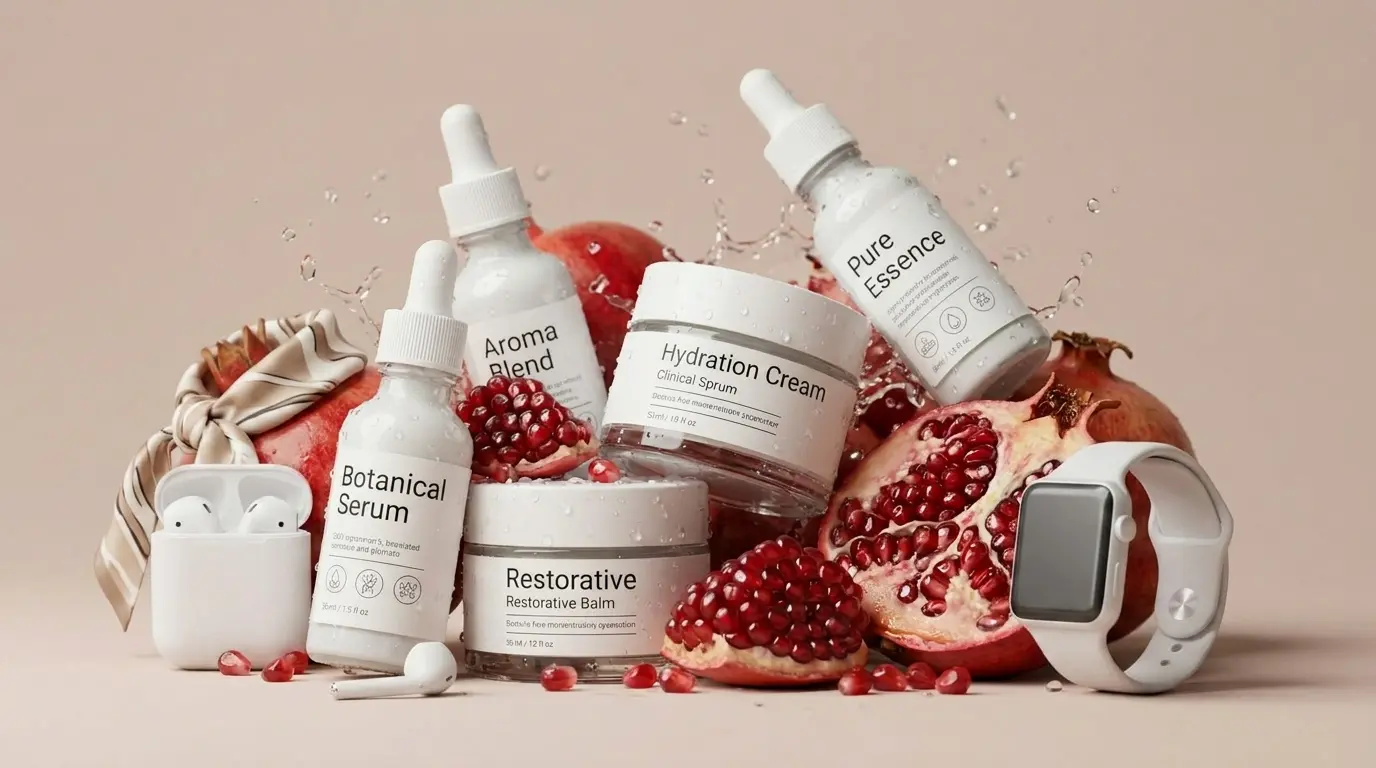
Give a product another setting on SotaVideoAI: a seasonal display, a new backdrop, or a different composition for the next campaign.
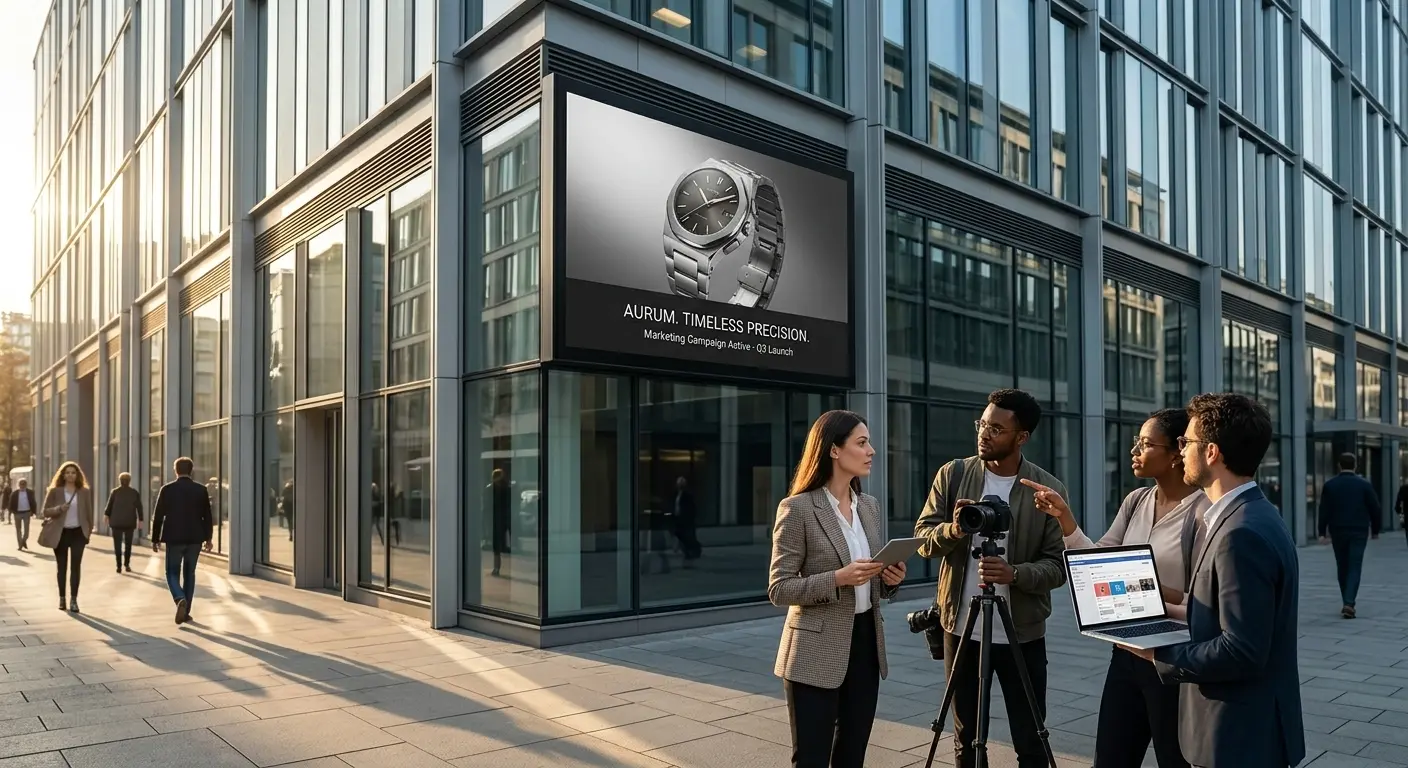
Use SotaVideoAI to make a campaign idea visible before the team commits to it. Explore a key visual, an ad direction, or a launch concept.
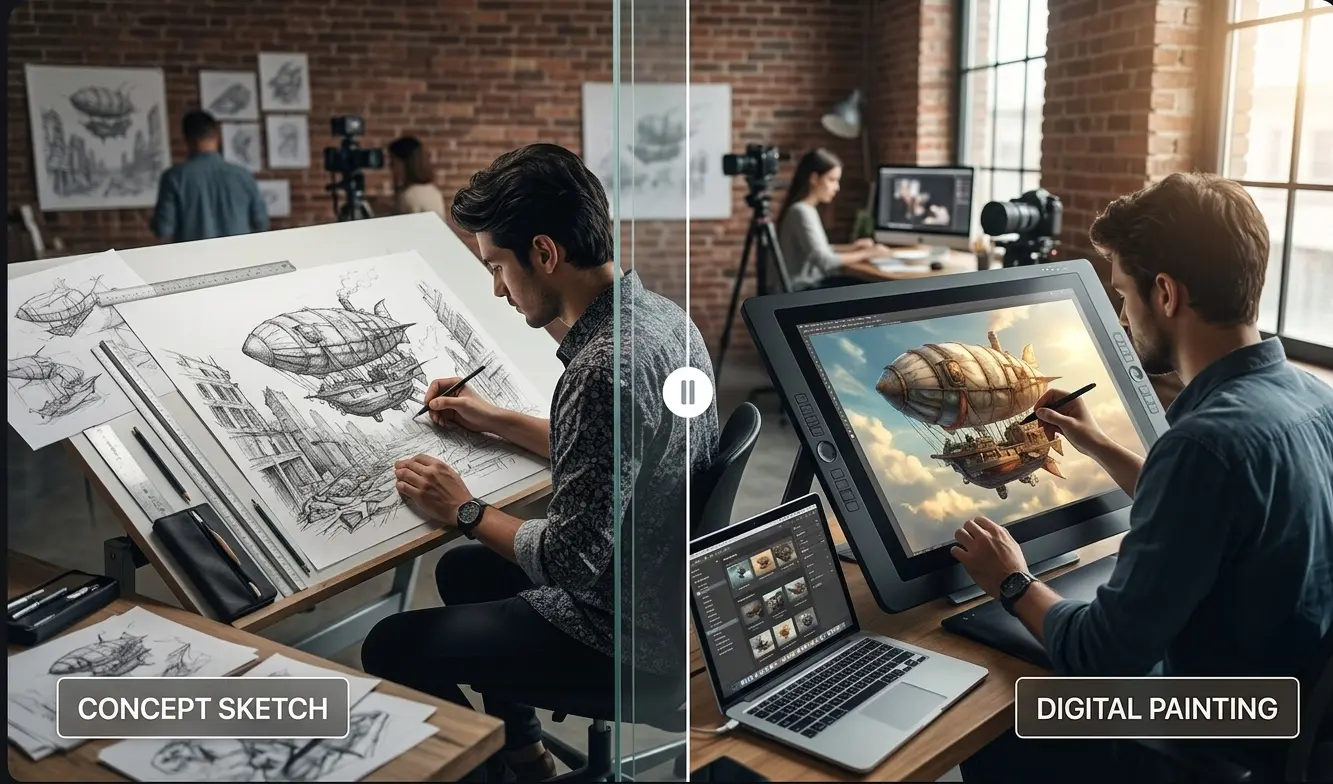
Try a character in a new setting or sketch the next moment of a story. Use references to communicate the look you want to develop.
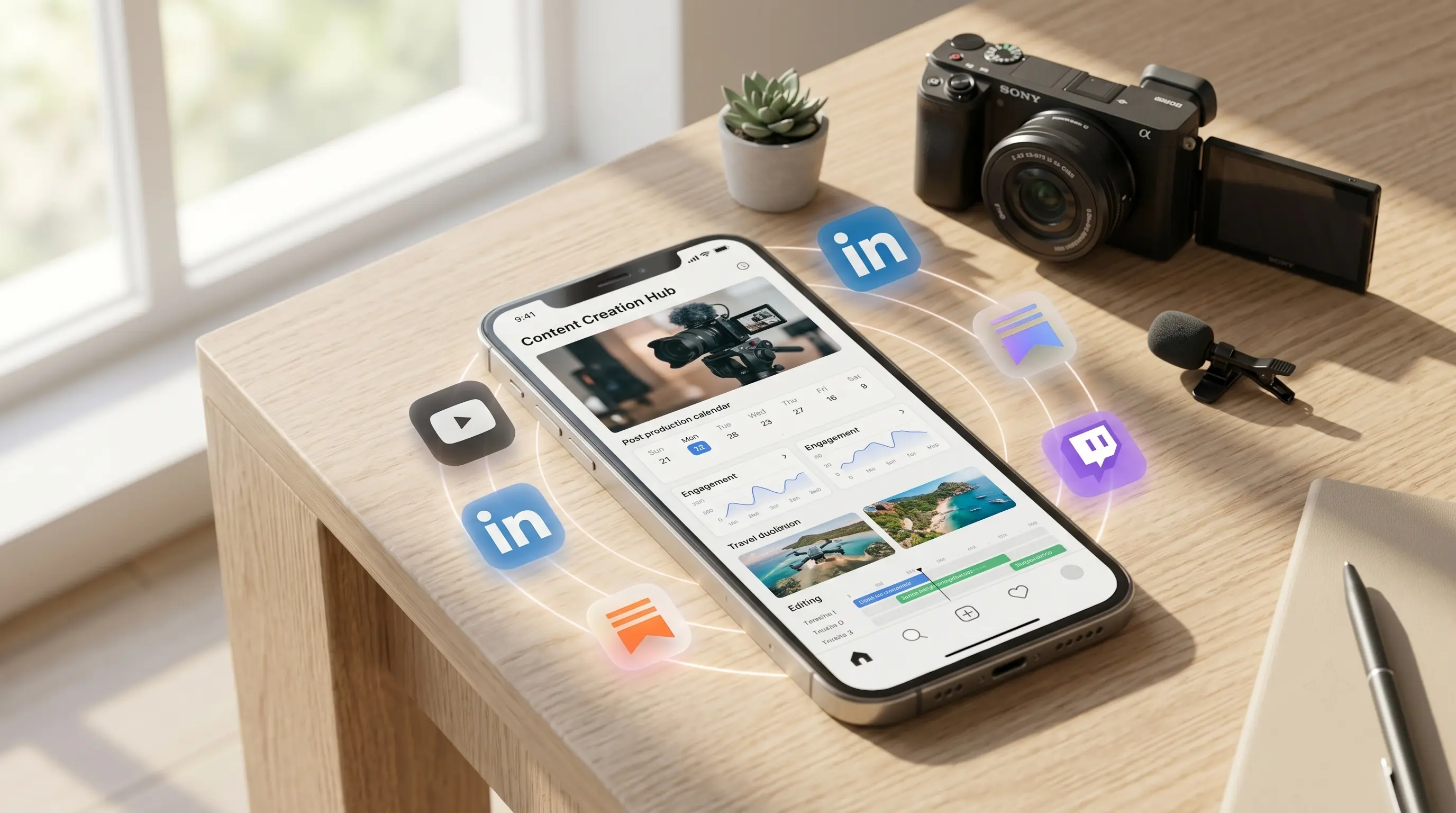
Build on a visual that already works. Try a new crop, setting, or variation for the next thumbnail or installment of a series.
Built for Real Creative Work
From product images to brand campaigns, the AI Image Generator brings the right model, references, and creative tools into one workspace.
E-Commerce Creative Lead
"Seedream 4.0's ten reference images are enough to explore product scenes, seasonal variations, and campaign assets. We move from a rough brief to polished directions without rebuilding every concept."
Brand Strategist
"The model guide makes the decision simple: Nano Banana 2 for fast early concepts, Nano Banana Pro when the campaign needs a high-fidelity finish."
Content Creator
"Nano Banana 2's conversational editing keeps my subject and style consistent across thumbnails, post visuals, and recurring social series. Every new asset starts from the last one, not from scratch."
Art Director
"SotaVideoAI keeps the full visual workflow connected: prompt generation, image creation, refinement, and upscaling, so our team stays focused on creative direction instead of switching tools."
FAQ
What to know before your first image and your next edit.
Bring an idea or a reference image, choose your model, and review the credits. Then start shaping the image you have in mind.
Start creatingSotaVideoAI is an independent AI platform for video and image creation. SotaVideoAI is not affiliated with, endorsed by, or sponsored by OpenAI, Google, ByteDance, or any other AI model provider. Model names and trademarks belong to their respective owners.